So, I’ve always been interested in the way that people think. The Lil social scientist in me wonders the why’s of people’s actions. I’ve been looking into cyberpsychology like maybe a grad certificate in the field, but I can’t think of a purpose for doing so.
I always recommend that people in cybersce grab books like these:
These kind of books and puzzles have always helped me just relax and think about things from different angles. I shard these on a different social as well, but I will always advise people to pick up puzzle books to keep their brains young.
The Pihole is a device built on a single board computer (sbc). The device acts as an ad-blocker for your network. There are also blacklists that can be applied or you can build your own.
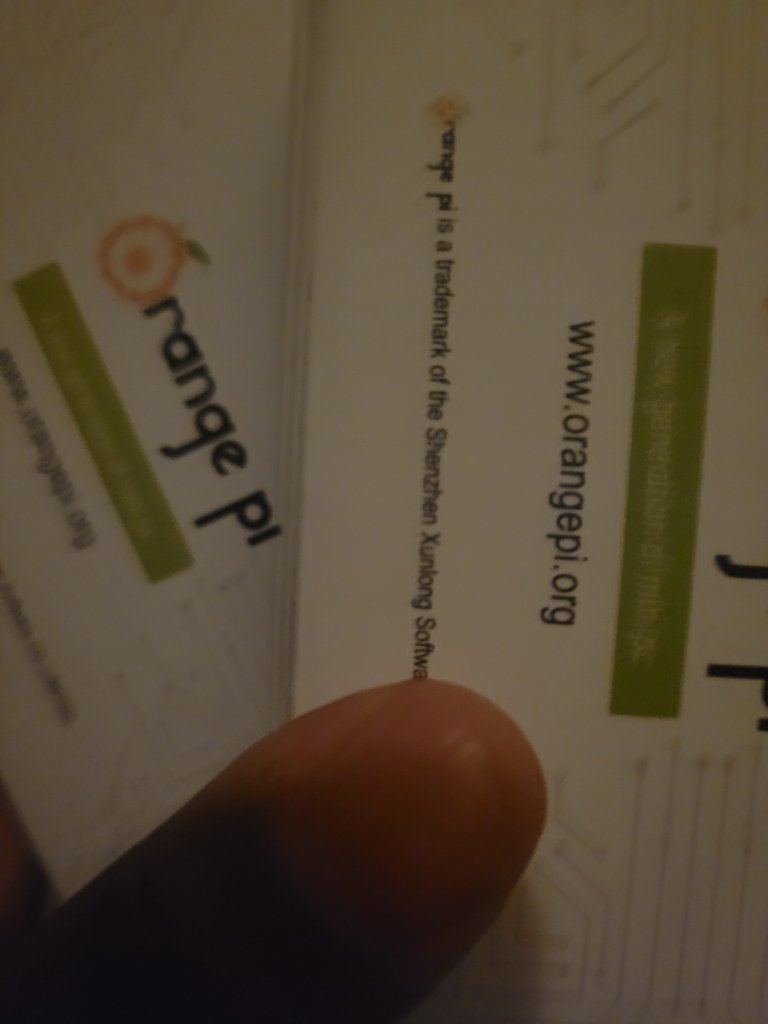
I good deal for people build these with a raspberry pi, but I found 2 orange pi zeroes for cheap and decided to build on out of this.
Found a video that shows you how to put wireguard vpn and unbound dns on the orange pi along with pihole. Thos is the one I plan on following.
So, while at Black Hat and DefCon people were messing around with the Flipper Zero and I was like that’s kinda awesome. It got me thinking about other gamiefied ways to tinker and learn. Enter Pwnagotchi:
I got one (the pi scarcity is real) and have been fooling around with it. Toss it in a cargo pocket when I go out to let the lil guy learn.
The device essentially learns from wifi handshakes. The more environments it’s in, the more it’s learning. I like the novelty and with the pi zero the small size.
I’m still messing around with it, honestly, but the above video and the below link should help anyone interested:
This morning I sat in on a virtual Meet-up where the topic was Building a Lab. During the pandemic I had been slowly but surely ‘collecting’ computer equipment with the thought to build out several components to like a multitasking lab environment. I know a lot of people are all for virtual environment labs, and I had one of those as well, but I also think that different devices should have different functions and like the idea of re-purposing old systems.
I’m working on this because in the past my virtual lab was tied to schoolwork or ctfs and mostly focused on lightweight pentesting and I want to get more hands-on defensive measures in place. I also want to be able to pull in threat intelligence feeds and a machine specifically for python scripting and researching.
An older version of the Meet-up I attended this morning
One of the things that stuck with me this morning and is kind of a ‘duh’ moment was to do an inventory, but also I think I’m going to try to design and designate all the components I want/have before I start building out. That’s why this blog is #0 it’s my pre-planning. I’m going to take the next week to look at the systems I have, the objectives I want to learn, and then plan out. Another piece to this will also be the documentation, I want clear and concise documentation because in a real world scenario this would be important.
Next week or the week after I’ll share examples of my inventory assessment and initial documentation. I also plan to have designated the use of each piece.
I’m. A very big advocate of first using the free stuff. If there are free offerings when learning by all means access them. When I first started to explore my interests in information technology I started with web page design. One of the biggest contributors to my learning was definitely FreeCodeCamp.
FreeCideCamp assisted in me teaching myself HTML, CSS, and Javascript. I also began to code Python with the community’s assistance. I did 100 days of code twice with some influence from their curriculum.
This is also where I first found out about BlackGirlsCode, but I digress…
Once my career in infosec and graduate school really started rolling I really strayed away from FreeCodeCamp–though I still kept and eye on the community/site. I still advise people to check them out when they’re starting to learn coding, especially since their offering have really grown.
So, now years and two degrees later I find myself back on FreeCodeCamp working through their Data curriculum because data is fun. To be in infotech and infosec is to commit yourself to lifelong learning and discovering things that interest you and maybe how those interests might inform your work. That’s really what made me stroll on back to freecodecamp, because like I said use the free resources before you open your wallet so you can discern between what might be a mild interesting topic or an avenue for career pivot.
I passed Network+ and Security+ in part to listening to Professor Messer’s lessons. When asked for resources to taking these certification exams (and A+) I always include the site in recommendations. For one the site is free. I know that people say: “You get what you pay for…” and can be disparaging about free resources, but good free resources are out there and this is one of them. I just don’t think that adage always holds up. Second, The videos are aligned with the exam sections which make it easy to backtrack or pick out the sections that are giving one trouble or that needs more information or clarification. For example if you pretest and there is section that is an obvious need for improvement on the Professor Messer site you can go directly to that section and review just that section. Third, there’s an offer for offline notes and recordings and this offer isn’t a pop up or annoying, so it feels like monetary gain is not the main agenda. The offline purchase is exactly what it should be: an aside. Last, the information is good information and update quickly. This is a super plus because for example A+ has had two fairly recent updates and the information on the site has update just as quickly. By my standards keeping up with exam changes is super important because outdated information is only helpful to a certain point.
or Initial Thoughts on My First Internship, Remotely…
I found out about Mosse Institute from a link on the WiCYS Facebook page. The link touted a “Remote Internship” and I’m always one looking for a way to pad my resume and get more hands on experience so I signed up.
So far the amount of tasks seems massive and it looks like it covers a good bit of subjects. The internship takes accountability for completing these task by having the intern record their solutions.
“Most people miss Opportunity because it is dressed in overalls and looks like work.”
Thomas A. Edison
The downside at least for myself is finding the time and quiet place to do the tasks (The videos are not to contain sound).
I’ve made a commitment to completing at least 1/3 by the end of the year, but I’m really aiming for all.
*Sorry for the lateness of this post, this week has been hectic to say the least…





 Build A Security Ninja